


Service Overview
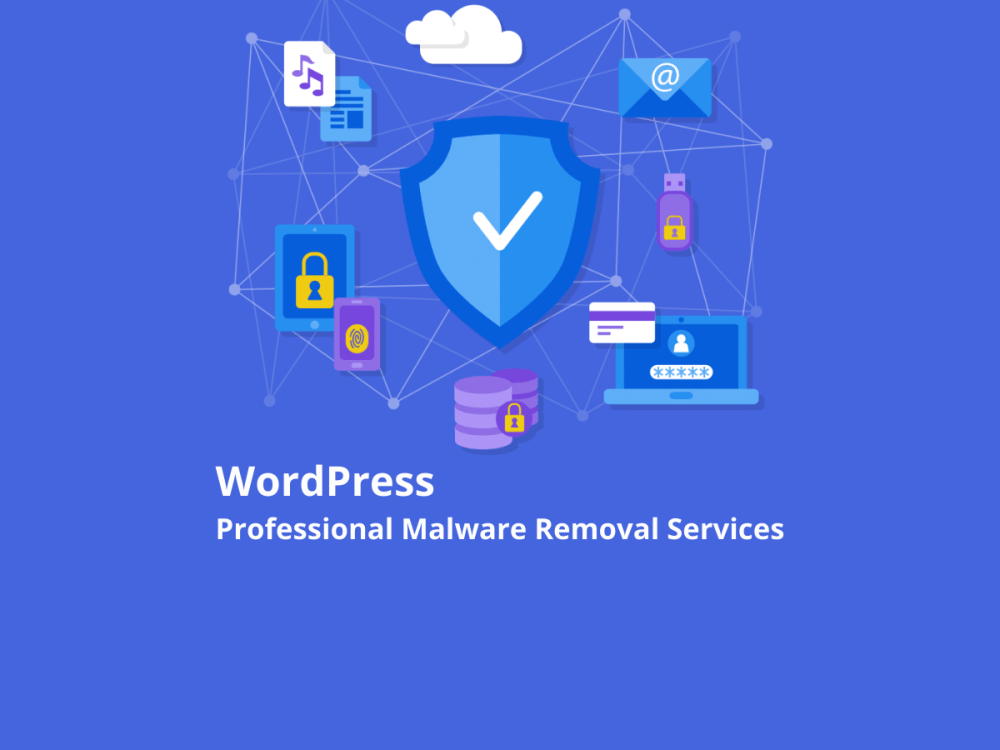
Restore your WordPress website after a malware infection, hacking incident, or security compromise with a professional website cleanup and troubleshooting service. This digital service focuses on identifying malicious files, removing malware and backdoors, cleaning compromised WordPress installations, and addressing website security issues that may affect hosting access or search engine visibility.
The service can cover WordPress websites hosted on cPanel, Plesk, AWS, Vultr, and other supported hosting environments. Each website is assessed according to its infection, server configuration, and recovery requirements.
No physical product will be shipped.
Available Services
- WordPress Malware Removal: Identify and remove malicious code and infected files from a compromised WordPress website.
- Hacked Website Recovery: Investigate common signs of unauthorized access and clean affected website files.
- Backdoor Removal: Search for suspicious scripts and potential backdoors that may allow unauthorized access.
- WordPress Core File Restoration: Replace compromised WordPress core files with clean official files while preserving necessary website content and configuration.
- Website File and Database Backup: Back up available website files and databases before cleanup when access and hosting resources permit.
- Security Scan and Verification: Scan the cleaned website using Wordfence or another suitable security tool to check for remaining detectable threats.
- Hosting Suspension Troubleshooting: Investigate malware-related hosting restrictions and help identify the steps required for recovery. Reinstatement depends on the hosting provider.
- Google and Security Blacklist Assistance: Help investigate reported security warnings and guide the website owner through the relevant review or delisting process for Google and supported security services, such as Norton or McAfee.
Malware Cleanup Process
1. Initial Website Assessment
Review the reported symptoms, available malware alerts, hosting notifications, and website access. Identify the affected areas and determine an appropriate cleanup approach.
2. Backup and Preparation
Create a backup of the website files and database when technically possible. Review available hosting malware reports to help locate suspicious files and affected directories.
3. Manual Malware Investigation
Inspect relevant website files and directories for malicious code, suspicious scripts, and unauthorized modifications. Areas may include wp-content, .htaccess, wp-config.php, themes, plugins, and other affected locations.
4. Malware and Backdoor Cleanup
Remove or repair identified malicious files and code. The cleanup approach depends on the infection and may include replacing compromised WordPress core files with clean versions while preserving required configuration files and website data.
5. Security Scanning
Access the WordPress dashboard when available and perform a follow-up security scan using Wordfence or another appropriate tool. Investigate additional detectable threats found during the scan.
6. Blacklist and Recovery Guidance
If the website has been flagged by Google or a supported security service, review the available warning information and assist with the applicable security review or delisting steps. Removal from a blacklist is subject to the relevant provider’s assessment and approval.
What Is Included
- Assessment of the reported WordPress security issue.
- Malware investigation and cleanup within the agreed scope.
- Inspection of relevant website files and directories.
- Removal of identified malicious code and backdoors where accessible.
- WordPress core file replacement when required and appropriate.
- Post-cleanup security scanning.
- A summary of the work completed and any remaining issues identified.
- Guidance on blacklist review procedures when applicable.
What You Need to Provide
To begin the service, please provide:
- Your website URL and a brief description of the issue.
- The hosting provider and hosting control panel, if applicable.
- Available malware reports, security warnings, or hosting suspension notices.
- Necessary WordPress administrator or hosting access, depending on the agreed scope.
- Any recent changes or suspicious activity you have noticed.
Share access credentials securely and only when necessary. Make sure you have permission to authorize work on the website and hosting account.
Service Time and Revisions
The completion time depends on the severity of the infection, the number of affected files, hosting access, and the complexity of the website. The estimated timeline and revision or follow-up allowance will be confirmed before work begins.
Websites with extensive infections, multiple compromised installations, unavailable backups, or server-level problems may require additional work and fees. Any work outside the agreed scope will be discussed before proceeding.
Important Notes
- Website cleanup can reduce identified security threats, but no service can guarantee that every hidden vulnerability or future attack will be prevented.
- Google and third-party security providers control their own review and blacklist removal decisions. Delisting cannot be guaranteed.
- Hosting suspension removal depends on the hosting provider’s policies and approval.
- Full server-level cleanup may require permissions or assistance from the hosting provider.
- Website backups, paid security tools, hosting fees, and third-party charges are not included unless explicitly agreed.
- Please contact me before ordering so the issue, access requirements, scope, and estimated completion time can be reviewed.
Digital Service Delivery
This is a remote WordPress malware cleanup and website security service. Work is performed on the agreed website or hosting environment, and delivery consists of the completed technical work and a summary of the findings. No physical item will be shipped.
Be the first to review “WordPress Malware Removal, Website Security Cleanup & Google Blacklist Recovery Service”
Related products






Reviews
There are no reviews yet.